
Retyping documents
Rent rolls and T-12s copied cell by cell.
For CRE brokers and investors
CRE Maxi reads the OM, the T-12 and the leases, builds a 10-year pro forma, and turns it into a branded Investment Summary, Offering Memorandum and LOI.
Invite-only accounts. Six property sectors. Three Offering Memorandum templates.
Rent rolls and T-12s copied cell by cell.
Spreadsheets that break when a client opens them.
Summaries and OMs rebuilt from scratch every time.
How it works
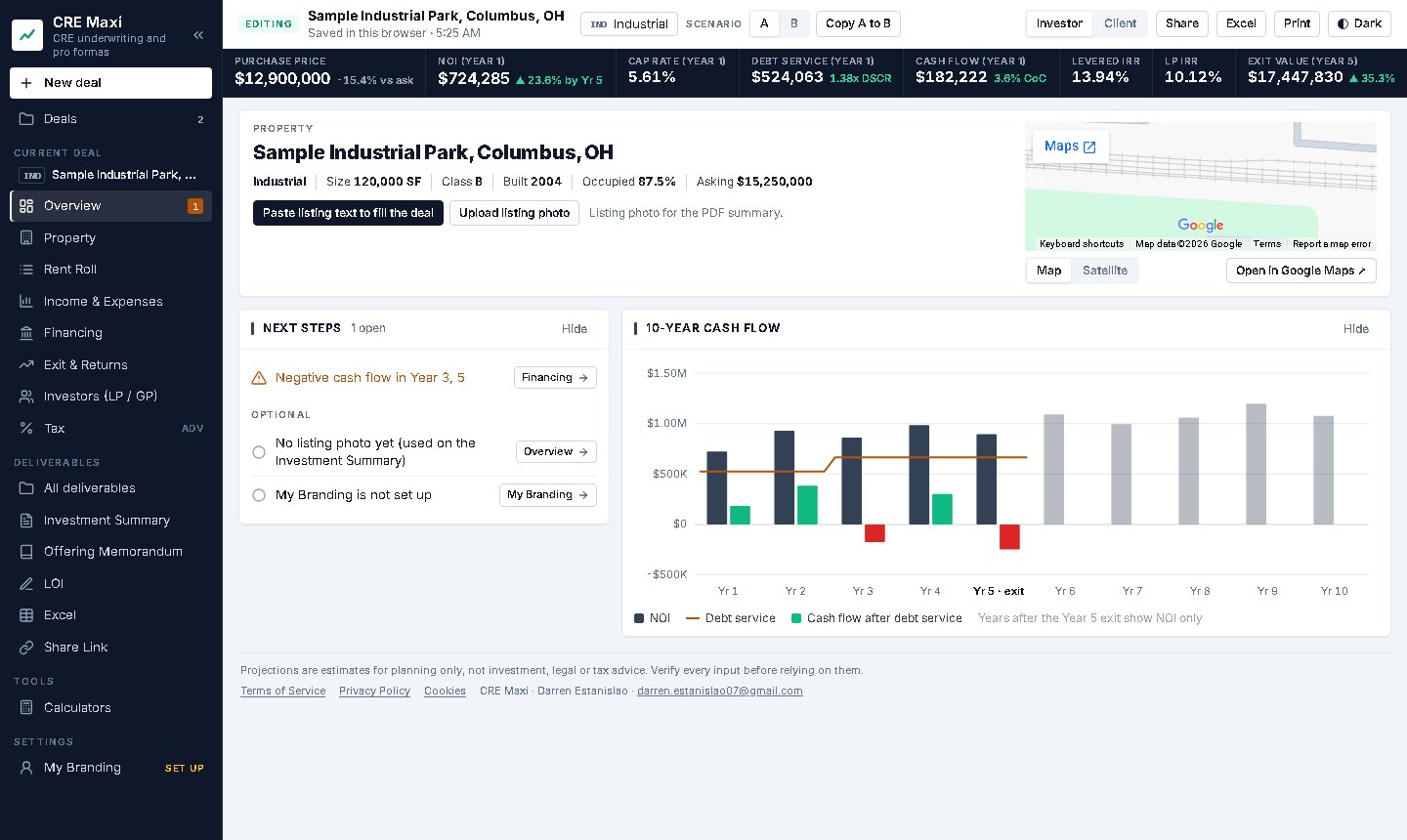
A listing PDF, a T-12, a stack of leases. Drop them in. CRE Maxi reads them and lists every figure it found next to the document it came from. Nothing goes into the model until you tick it, and anything it could not find is named.
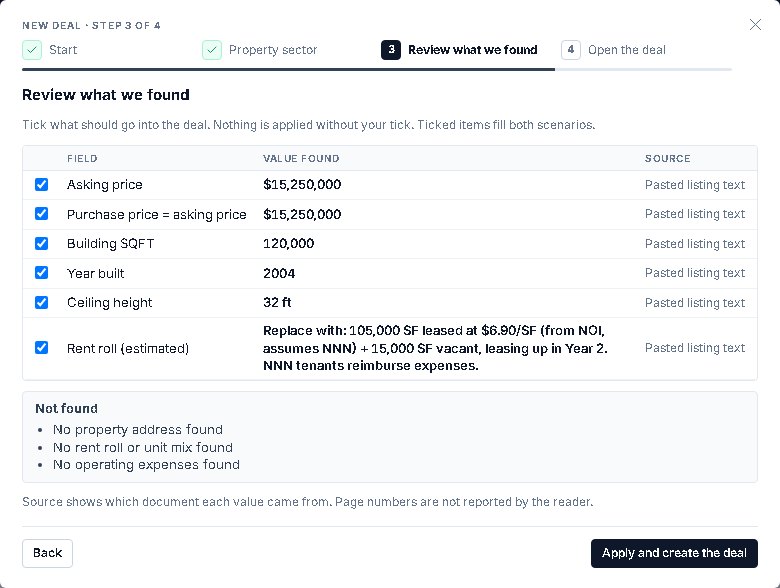
The rent roll and the 10-year pro forma build from what you accepted. Adjust the rents, expenses, debt and exit that matter. NOI, DSCR and IRR update with every change, and gaps show up as next steps.
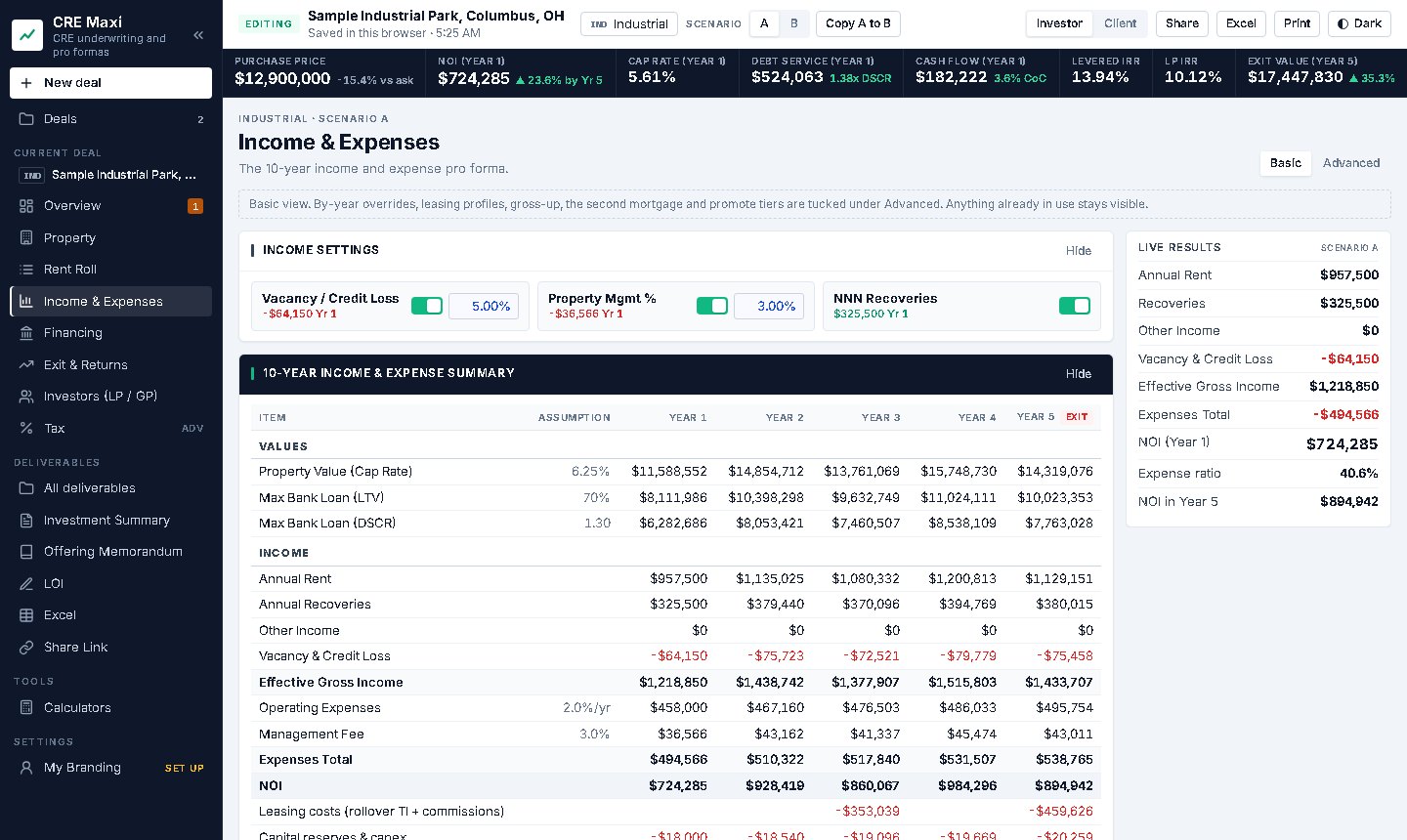
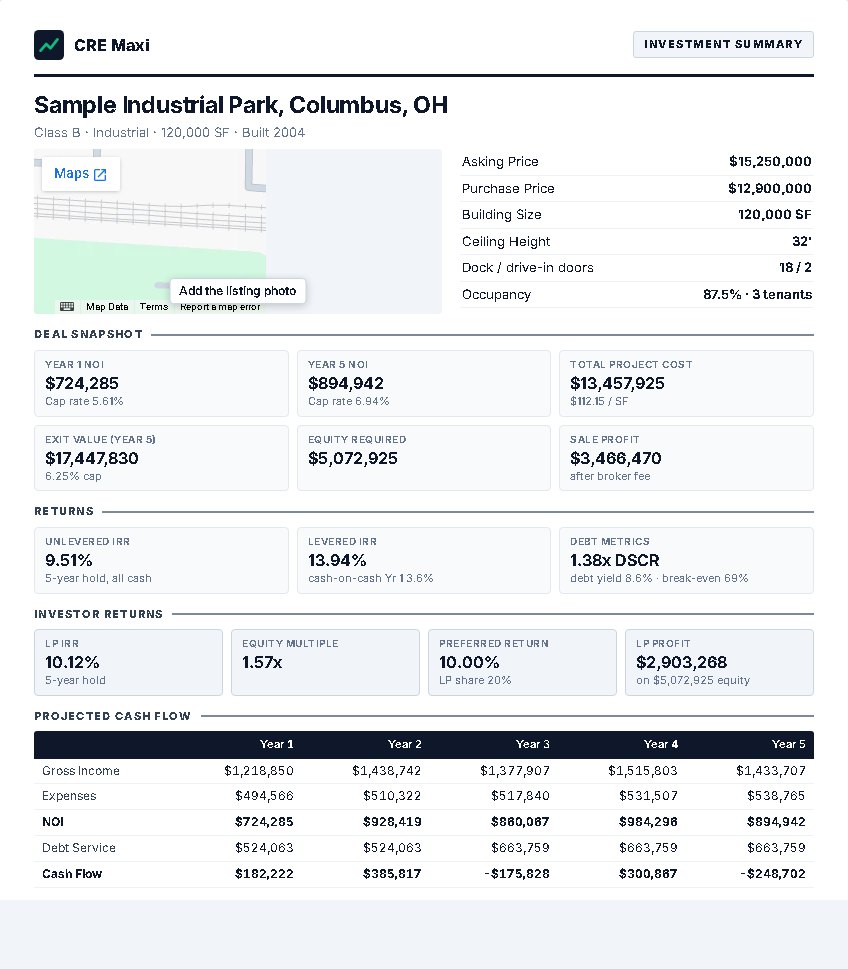
Send an Investment Summary, an Offering Memorandum, an LOI, an Excel model or a read-only link, each with your name and logo on it. Investors get the same model for their own acquisitions: sources and uses, debt, and LP / GP returns.
Six sectors
Every sector runs on the same full 10-year model: financing, exit, returns, tax and deliverables. Each one adds the tools brokers actually underwrite with.


OM Builder
Upload the old OM; CRE Maxi rebuilds it on your template with today's numbers, and shows every number that changed.
| Figure | Old OM | Today | Change |
|---|---|---|---|
| Calculating... | |||
Deliverables
Property, pricing and returns on one branded page. Investor and client versions, ready to print or save as PDF.
Three templates, your branding, live figures. Create from the deal or revise an existing OM.
Price, deposit, due diligence and financing terms filled from the deal.
The full pro forma as a workbook a client or lender can trace.
A read-only page of the deal. No account needed to view it; you set the expiry.
Built for brokers and investors
Invite-only accounts. Each broker sees only their own deals, enforced by the database itself. Uploaded leases and OMs are deleted after they are read.
Every formula is checked against independent hand calculations. The Excel export carries the whole model, so a client or lender can trace each figure back to its inputs.
No. Brokers use it to price listings and send Offering Memorandums and LOIs. Investors and sponsors use the same model to underwrite their own acquisitions, compare scenarios, structure debt and LP / GP splits, and send an Investor Memorandum to partners.
Six: Office, Industrial, Retail and Multifamily, plus Self Storage and Mixed-Use as specialty sectors. Each runs on the same 10-year model with financing, exit, returns and tax. Your account can be set up for any combination of them.
No. A share link opens a read-only copy of the deal in any browser. You choose an investor or a client version, and when the link expires.
No. Crexi and LoopNet do not allow other apps to read their pages. Paste the listing text or screenshots, or upload the OM, and CRE Maxi fills the deal from those for your review.
Deals are saved to your account in a hosted database, with a working copy in your browser. Each broker can read only their own deals. Uploaded documents are deleted once they have been read.
Yes. Add your logo, name, company and contact details once in My Branding. They appear on the Investment Summary, the LOI, printed pro formas and shared links.
Accounts are by invitation. Tell us which sectors you underwrite.
Request access